
Download Telegram Desktop – instant messaging, cross-device sync, secure messaging, file sharing, cloud storage
Overview
Telegram Desktop is a robust instant messaging application designed to deliver fast, secure, and seamless communication across multiple devices. Built for users who prioritize privacy, speed, and flexibility, the app enables real-time messaging with end-to-end encryption for secret chats and server-side encryption for cloud chats. It serves a diverse user base, including individuals, remote teams, content creators, and professionals managing high-volume communication. The app’s core purpose is to eliminate the limitations of traditional messaging platforms by offering unlimited file sharing, persistent cloud storage, and uninterrupted cross-device synchronization.
With over 500 million active users, Telegram Desktop has established itself as a leading communication tool in the global digital ecosystem. It supports real-world use cases such as collaborative project work, file distribution in educational settings, and private conversations among groups with strict data protection needs. The app’s architecture leverages a distributed network of data centers, ensuring rapid message delivery regardless of geographic location or network conditions. While the developer, Telegram FZ-LLC, has not provided detailed technical background beyond the company name, the app’s widespread adoption reflects its reliability and user-centric design.
Telegram Desktop stands out by offering a desktop-first experience that complements mobile usage without dependency. It allows users to maintain continuous conversations across phones, tablets, and computers, making it ideal for multitasking and productivity. The app’s emphasis on privacy and scalability positions it as a critical tool in modern digital communication, particularly for users who demand more than basic messaging functionality.
Key Features & Functionality
- Super Fast Messaging: Telegram Desktop uses a globally distributed network of data centers to ensure messages are delivered instantly, even under low-bandwidth conditions. This enables real-time communication regardless of the user’s location.
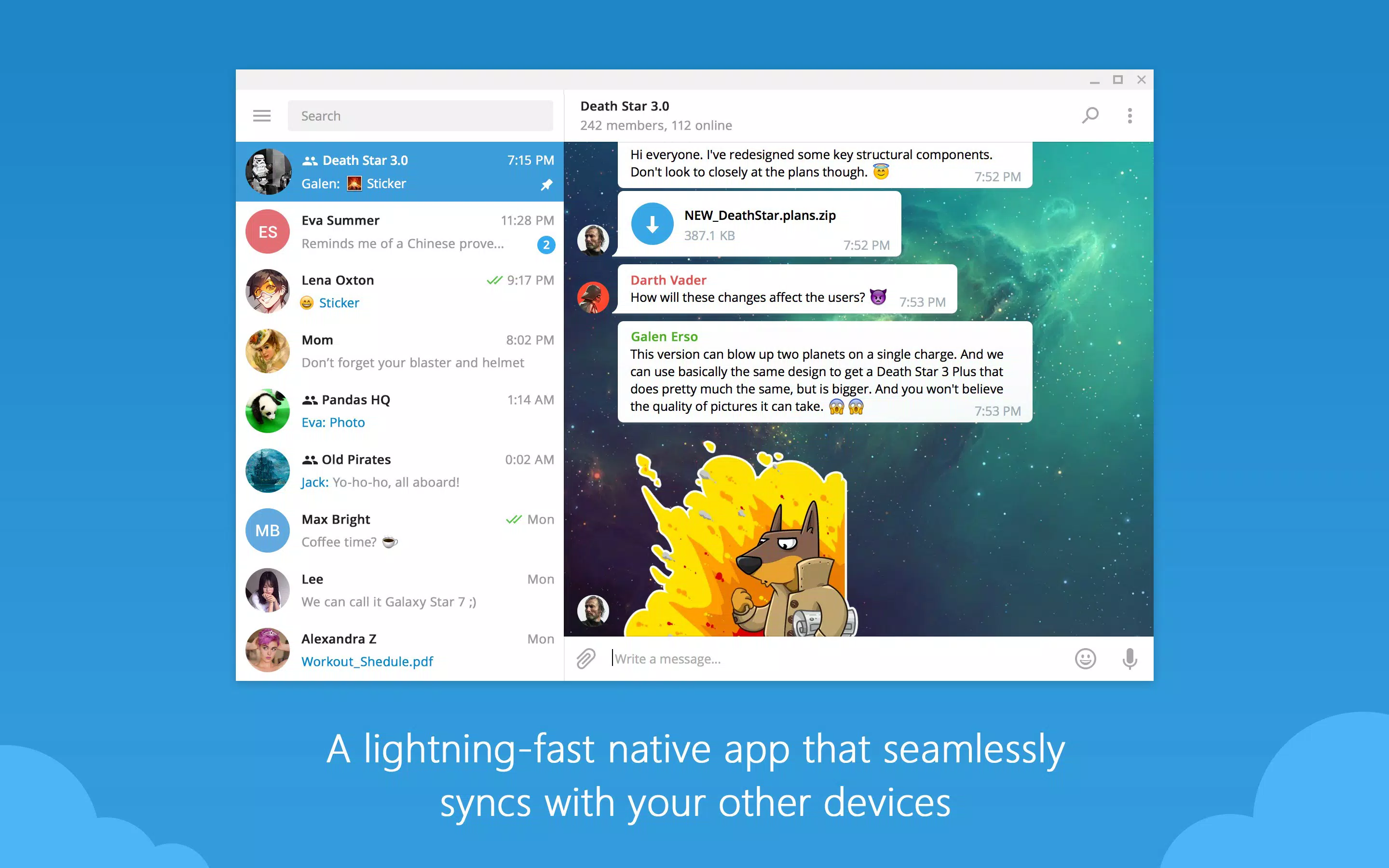
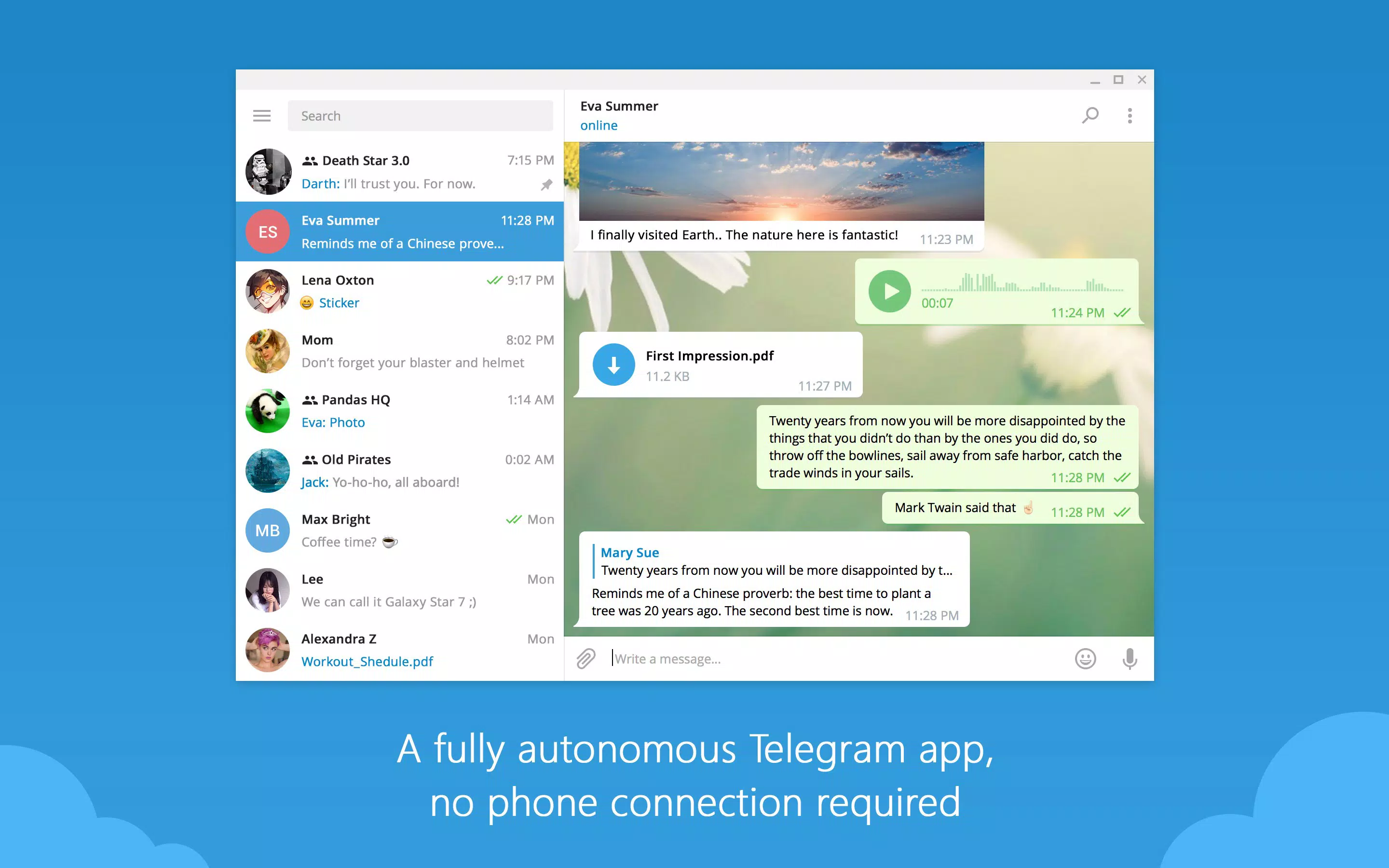
- Cross-Device Synchronization: Users can access their entire chat history and messages from any device—phone, tablet, or desktop—without requiring the mobile app to remain connected. This allows users to start a conversation on one device and continue seamlessly on another.
- Enhanced Security Features: The app employs 256-bit AES encryption for data in transit and 2048-bit RSA encryption for secure key exchange. Secret chats use end-to-end encryption with no cloud storage, ensuring messages are only accessible on the devices involved.
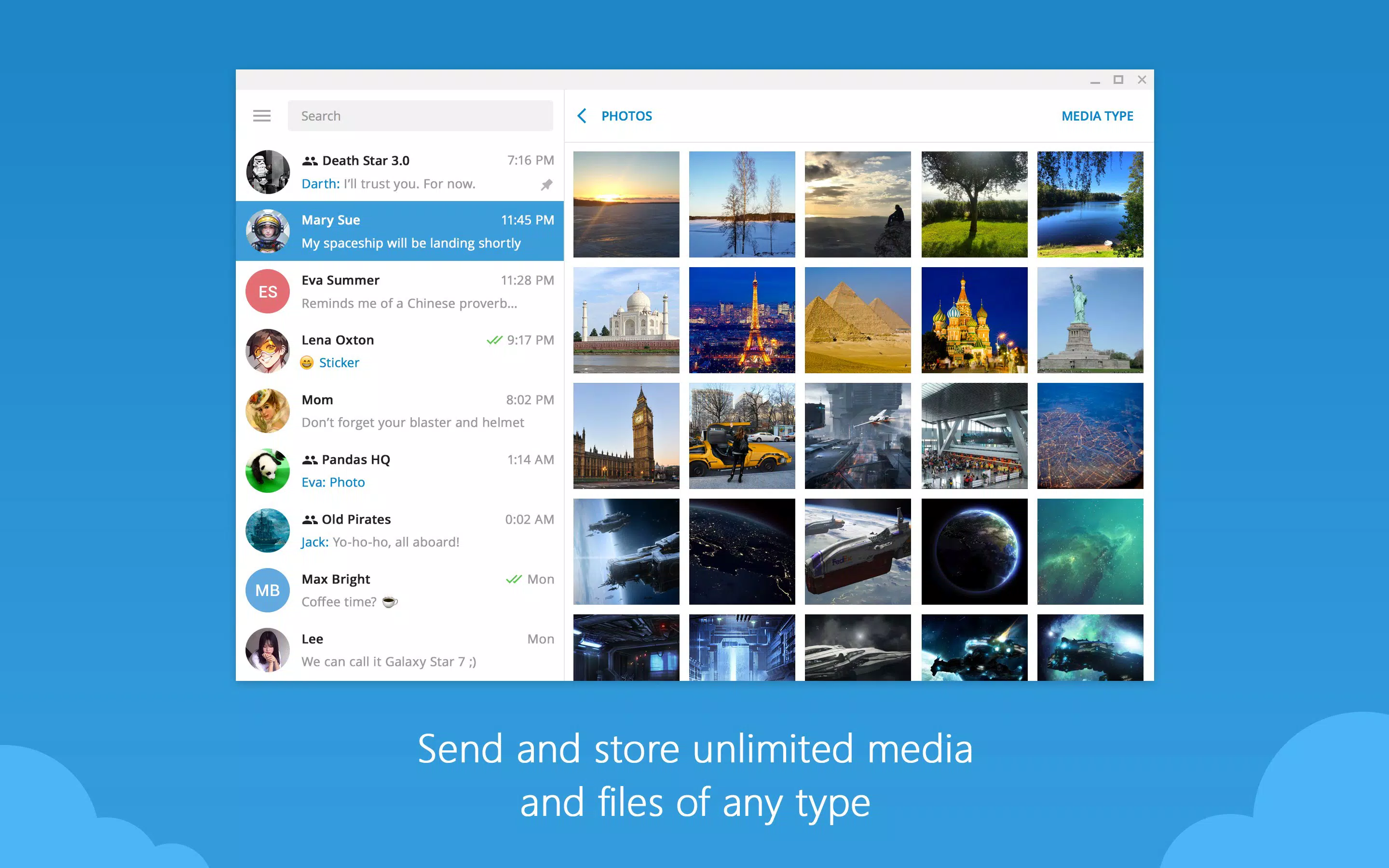
- Unlimited File Sharing: Users can send files of any type and size up to 2 GB per file, with no restrictions on media formats. Files are stored in the Telegram cloud, reducing local device storage usage.
- Customizable and Fun Features: The app supports animated stickers, GIFs, customizable themes, and built-in media editing tools. These features enhance user engagement and allow for creative, personalized communication.
These features translate into tangible benefits. For example, a remote team can share large project files instantly and access them from any device. A student can start drafting a message on a tablet and finish it on a desktop. A content creator can distribute high-resolution media without compression. The combination of speed, security, and flexibility makes Telegram Desktop a versatile tool for both personal and professional use.
Interface, UX & Performance
Telegram Desktop features a clean, intuitive interface with a sidebar for chat management, a central message pane, and a message input bar at the bottom. The layout is highly responsive and well-organized, allowing users to navigate between conversations, groups, and channels with minimal effort. The visual style is minimalistic yet functional, with customizable themes that support both light and dark modes to suit different user preferences.
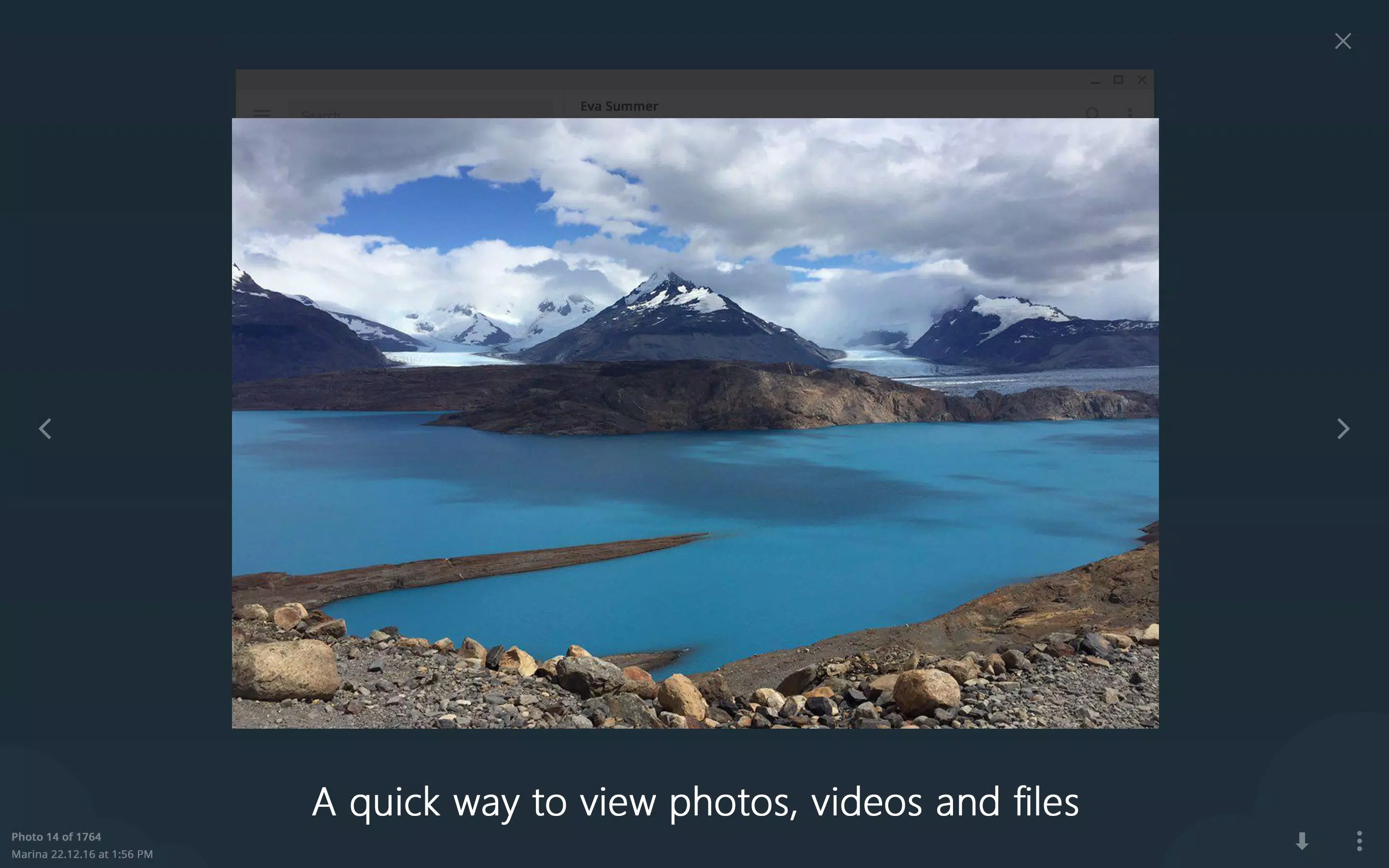
Navigational flow is smooth and consistent, with quick access to frequently used features such as file sharing, message editing, and media preview. The app supports keyboard shortcuts, which enhances efficiency for power users. Although the developer did not list formal performance metrics, user reports indicate stable operation across a range of hardware configurations, including older systems.
Performance is optimized for responsiveness, with minimal lag during message delivery and file transfers. The app maintains stability even when handling multiple large files or long chat histories. While specific device compatibility details were not disclosed, the application is known to run efficiently on standard desktop environments. The user experience is further enhanced by smooth animations, real-time typing indicators, and instant media previews.
Platform Compatibility & Technical Requirements
Telegram Desktop is available on Windows, macOS, and Linux platforms, making it accessible to a broad range of users across different operating systems. The current version is 3.12.1, with a file size of 120.5 MB. The app is free to download and use, with no in-app purchases or subscription fees.
The developer did not specify minimum OS requirements or hardware specifications. However, based on general usage patterns, the app is compatible with modern desktop systems running recent versions of Windows, macOS, and Linux distributions. The lightweight file size suggests efficient resource usage, which is beneficial for users with limited storage or older hardware.
Updates are released regularly to improve functionality, security, and compatibility. Users are encouraged to keep the app updated to ensure access to the latest features and patches. The availability of official installers for all major desktop platforms ensures a secure and straightforward installation process.
Pros and Cons
Pros
- Free to download and use with no hidden costs
- Supports cross-device synchronization across phones, tablets, and desktops
- Offers unlimited file sharing with support for files up to 2 GB
- Strong encryption protocols for secure messaging
- Customizable interface with themes and animated stickers
- Cloud-based chat storage reduces local device usage
Cons
- Developer did not provide detailed system requirements
- Some advanced features may require a learning curve for new users
- Limited third-party integration compared to mainstream messaging apps
- Not available on mobile platforms under this title (this is a desktop app)
- Privacy features like secret chats are not enabled by default
FAQ
Is Telegram Desktop secure?
Yes, Telegram Desktop uses strong encryption protocols including 256-bit AES and 2048-bit RSA. Secret chats are end-to-end encrypted, while regular chats are encrypted on the server. Users can enable additional security features such as two-factor authentication.
Can I use Telegram Desktop without a mobile phone?
Yes, Telegram Desktop allows full access to your chat history and messages without requiring the mobile app to remain connected. You can use the desktop version independently for messaging, file sharing, and group management.
How large are the files I can send?
You can send files of any type up to 2 GB per file. There are no restrictions on file formats, making it suitable for sharing documents, videos, software, and other large media.
Does Telegram Desktop support multiple accounts?
Yes, the app allows users to log in to multiple Telegram accounts simultaneously. This feature is useful for managing personal and professional communication from a single device.
Is the app updated regularly?
Yes, Telegram Desktop receives regular updates to improve performance, security, and functionality. Users are advised to keep the app updated to benefit from the latest improvements and patches.
Final Thoughts
Telegram Desktop delivers a powerful, secure, and flexible messaging experience tailored for users who demand more than basic communication tools. Its ability to synchronize across devices, handle large files, and maintain high security standards makes it a standout choice for professionals, creatives, and privacy-conscious individuals. The app’s clean interface, customization options, and cloud-based architecture enhance usability and reduce storage strain.
While it lacks some integrations found in mainstream platforms, its core strengths in speed, privacy, and scalability more than compensate. The absence of ads and subscription fees further enhances its value proposition. For anyone seeking a reliable, feature-rich desktop messaging solution, Telegram Desktop is a top-tier option.
Download Telegram Desktop now


